
Choose a prompt.
Open an adventure for the part of the song you want to explore.
Saving your work
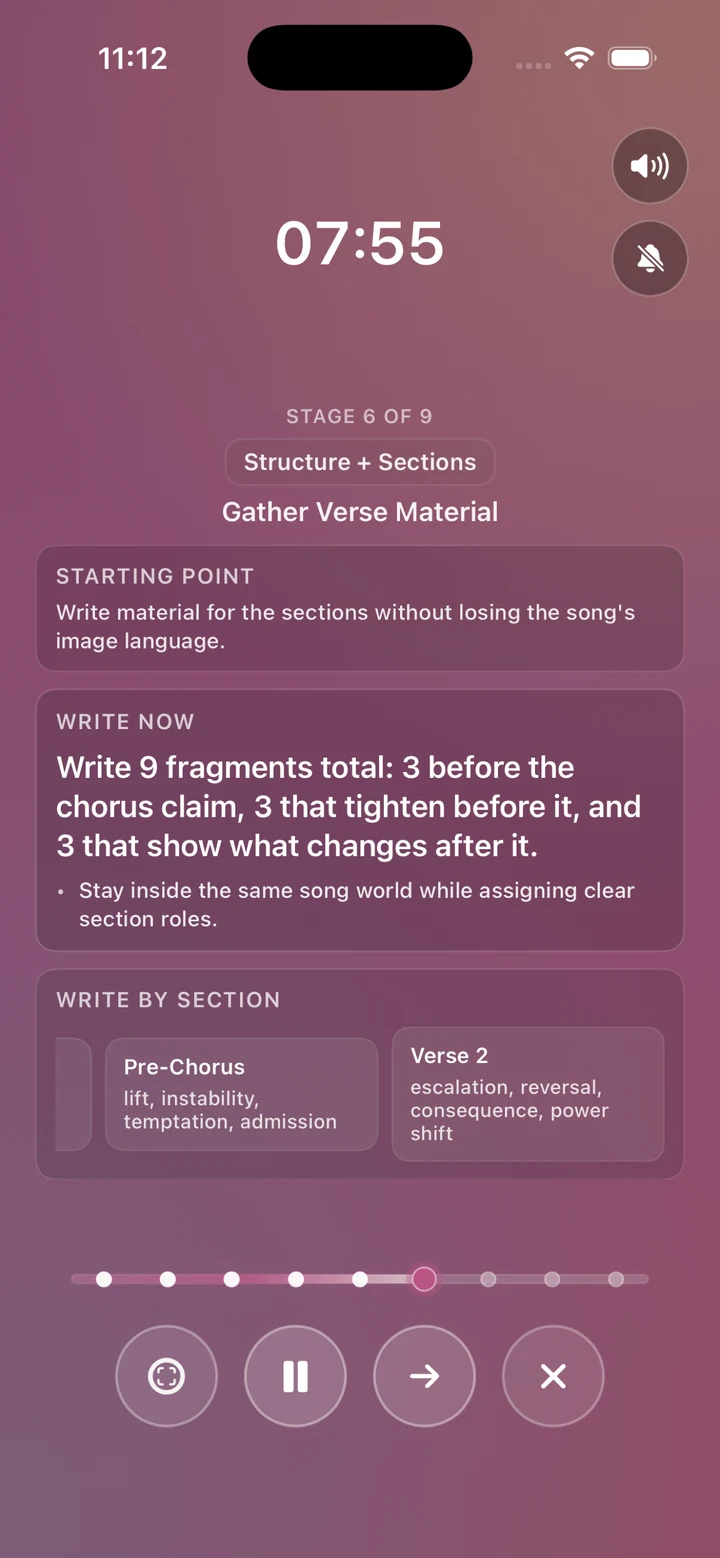
Read a prompt, write for a while, then choose what to keep. Typing in the app is optional.
Open an adventure for the part of the song you want to explore.
Use your notebook, your computer, or the optional session Notepad. Pause the timer when you need a break.
At the recap, capture useful lines and choose Add to Songbook. Paper and computer writing are not copied automatically.
Supported iCloud features have their own settings and limits; the app does not sync every library. Melody recording sync requires Full Version and is off by default. Keep independent exports or project backups of work that matters to you.
Read the data details →